
Key takeaways
- SharePoint HTML pages give organisations more design and interaction flexibility than the standard sections-and-web-parts approach, particularly for experiences that don’t fit neatly into existing SharePoint components.
- HTML pages won’t replace standard SharePoint pages. Templates and web parts still make sense for repeatable, everyday intranet content where consistency and straightforward authoring matter.
- Copilot lowers the technical barrier, but it also raises governance questions around accessibility, design consistency, ownership, maintenance and reviewing AI-generated output.
- Alex Innes, Silicon Reef Solutions Architect, recommends using HTML selectively, focusing on cases where the additional flexibility solves a genuine employee experience problem rather than creating something bespoke simply because you can.
Microsoft is introducing HTML pages to SharePoint, giving organisations another way to create and publish richer, more interactive content within their existing SharePoint sites.
Instead of relying entirely on the usual sections, columns and web parts, you can create a page with HTML, upload existing HTML or use Copilot to generate and edit it. The page then lives in the Site Pages library alongside your standard SharePoint pages.
If you’ve ever found yourself trying to persuade a collection of SharePoint web parts to create something they weren’t really designed for, you’ll probably understand why I find this quite exciting. It gives us another answer to a problem we’ve been running into with clients for years: they know what they want the experience to do, but SharePoint’s standard page-building tools don’t always give us a straightforward way of getting there.
I think intranets are where this could get particularly interesting. There are some important caveats around governance, accessibility and ownership, but there’s a lot here that I’m looking forward to experimenting with.
How are HTML pages different to the SharePoint we’re used to?
If you’ve built a modern SharePoint page before, you’ll know roughly how it works. You create the page, choose your layout, add your sections and then start filling it with the web parts available to you.
For most day-to-day intranet content, that works perfectly well. It makes page creation relatively straightforward, gives content authors a controlled set of tools and helps maintain some consistency across an intranet.
HTML pages give you a different route. You can create the HTML elsewhere and upload it into SharePoint, or use Copilot to generate a page by describing what you want. Once it’s there, it can be stored, edited and published from the Site Pages library like your other SharePoint content.
Previously, if I’d said you could create a bespoke HTML experience in SharePoint, you’d reasonably assume somebody needed to know how to write the code. With Copilot, you can describe what you want in normal language and ask it to create or revise it. You still need to understand what you’re creating and check the output properly, but the barrier to getting started is much lower.
Where could HTML pages make life easier?
I’ve worked with plenty of organisations that know exactly how they want a SharePoint page to look or behave but can’t achieve it easily using the standard web parts. Usually we can find a good solution, but sometimes you end up compromising the original idea or heading towards custom development for something that doesn’t really justify it.
For internal communications teams, the obvious benefit is more freedom over how information is presented. A major campaign, organisational change or important intranet landing page doesn’t necessarily have to follow the same visual structure as everything else.
For designers, there’s more scope to think about the experience first rather than designing entirely around the dimensions and behaviour of existing web parts.
And from a technical perspective, I can see HTML pages filling a useful gap between standard SharePoint publishing and a more involved custom development project. If there’s one particular page where you need to do something different, creating an HTML page may be far more proportionate than developing, deploying and maintaining a completely new component.
I wouldn’t look at this and think all the usual SharePoint constraints have suddenly disappeared, though. They haven’t. There are still things HTML pages can’t do, and plenty of situations where a normal page or a properly developed solution will be the better answer.
Where do we need to be careful?
Give people more freedom and you have to think about what they’re going to do with it. I can absolutely see people going a bit buck wild with this and creating all sorts of things.
Copilot lowering the technical barrier is part of what makes HTML pages interesting, but it also means somebody can create something that looks pretty polished without having the design or development knowledge that might previously have gone into it. Looking polished doesn’t necessarily mean the page is good: it could be inconsistent with the rest of the intranet, inaccessible, difficult to maintain or simply not a particularly effective way of communicating the information.
For an internal communications team, I’d be thinking quite carefully about consistency. If every department suddenly starts creating its own bespoke experience, you could quickly lose the familiar patterns that make the wider intranet easy to navigate and understand.
If you’re responsible for SharePoint technically, you’re probably thinking more about control, accessibility, ownership and maintenance. Something might work brilliantly when it goes live, but somebody still needs to understand how it was built, check any AI-generated output and know who’s responsible for it six months or two years later.
We’re already thinking about what this means for the organisations we work with because I don’t think simply switching the capability on and letting everyone loose is going to be the right answer. The interesting question is how you give people more room to create without making the wider intranet harder to govern and manage.
Where could organisations use SharePoint HTML pages?
I’d start with areas where there’s a genuine reason to move beyond the standard page experience, rather than trying to find excuses to use HTML because it’s new.
How we’ve been experimenting with it
A good example came up recently when a colleague took a CSV containing migration data and turned it into a much more visual experience. Instead of staring at rows in a spreadsheet, you could explore the information and get a much quicker sense of what was going on.
It immediately got me thinking about other situations where we could turn spreadsheet data into something more useful:
- employee listening surveys
- customer feedback and NPS data
- sales and pipeline reporting
- office space and desk booking utilisation
- IT service and incident data
We’ve been talking about other applications too, particularly when clients have an idea for an intranet experience that doesn’t fit neatly into standard SharePoint. HTML won’t be the answer to every request, but we’ve now got another option to explore.
Important intranet landing pages
Major organisational hubs, campaigns and transformation programmes feel like obvious candidates because there may be a genuine reason for them to look or behave differently from an everyday content page. For internal comms teams, that creates more room to think about visual hierarchy, how you guide people through the information and what you want somebody to do when they arrive.
I wouldn’t take that as an invitation to give every department a bespoke homepage. The flexibility is most useful where there’s a real reason for the experience to be different.
Project and programme hubs
I can also see opportunities for project and programme hubs, bringing roadmaps, milestones, progress information, FAQs and supporting material together in a more coherent way than a collection of text, document and link web parts.
Interactive guides and explainers
Sometimes you’re trying to explain something that just doesn’t work particularly well as a long page of text. Being able to introduce more interactivity or visual ways of moving through that information could make a real difference.
For an internal communications team, that might be a guide to a major organisational change. From an IT perspective, it could be a visual way of explaining a migration, system rollout or technical process.
One-off experiences
Sometimes you don’t need a completely new solution or a reusable custom component. You just need one page to do a particular job really well.
That middle ground between “we can probably make a standard web part do this” and “we need to develop something custom” is where HTML pages could prove particularly useful.
The technical bit
If you work in internal comms and you’re mainly interested in what this lets you create, you can probably skim this section. If you’re responsible for SharePoint technically, there are a few important caveats worth knowing about.
HTML pages give you more flexibility, but they’re not unrestricted websites sitting inside SharePoint. Microsoft has put boundaries around what they can do.
HTML pages are stored in the Site Pages library, and the capability can be enabled or disabled for that library. Authors still need the appropriate permissions, and publishing an HTML page doesn’t give somebody access to content they couldn’t already see.
Pages can be created with Copilot or uploaded as HTML. A Copilot-created page uses the SharePoint site’s branding, whereas uploaded HTML doesn’t automatically inherit it. You can, however, ask Copilot to update an uploaded page so that it fits the site more closely.
HTML pages can also work with live information from sources like SharePoint lists and Excel, but arbitrary fetch requests and outbound API calls aren’t supported. Microsoft provides managed versions of libraries including Chart.js and Mermaid, which opens up options for charts and diagrams without letting authors simply import whichever external JavaScript library they fancy.
There are also some important differences between HTML pages and the standard modern SharePoint pages people are used to. Microsoft’s current documentation lists several familiar publishing capabilities as unsupported, including:
- Promoting an HTML page as a news post
- Saving the page as a template
- Scheduling publication
- Co-authoring
- Reactions and comments
Those things are worth considering when you think about where HTML pages might be useful. If you need repeatable templates, scheduled news or several authors editing the same content together, a normal SharePoint page may still be the better answer.
The extra flexibility also brings more responsibility around accessibility, performance, behaviour across devices, maintenance and the quality of any AI-generated code. Copilot can make it much quicker to get something up and running, but I wouldn’t confuse that with removing the need for technical oversight, particularly if the page is complex or business-critical.
My advice for organisations considering HTML pages
I’d experiment with HTML pages, but think carefully about where you want the feature available. They’re enabled by default, so rather than leaving them available everywhere, consider disabling the feature on sites where you don’t yet have a clear use case or appropriate governance in place.
Get a few of the right people in a room: whoever owns the intranet, somebody from internal comms, your SharePoint or digital workplace team, and design and accessibility expertise where you have it. Then give them three or four real problems to try. A dashboard, project hub, interactive guide or campaign page that you’ve previously struggled to create in standard SharePoint will teach you far more than experimenting with the technology in isolation.
I’d much rather see an organisation do that than spend weeks developing a massive governance framework for something nobody has properly used yet. Once you’ve tested it, you can make much better decisions around:
- Which problems HTML pages actually solve better than standard SharePoint pages
- Who should be able to create and publish them
- What needs to be reviewed before publishing
- How accessibility should be tested
- How closely pages need to follow your existing brand and intranet design system
- Who owns and maintains them
- When authors should use a standard template instead
- What happens when a page is no longer needed
And I’d be quite disciplined about when not to use HTML.
If a normal SharePoint page and an existing template can do the job perfectly well, use them. Creating something bespoke just because you can is probably adding complexity rather than making the employee experience any better.
I don’t see HTML pages replacing standard SharePoint pages, and I wouldn’t want them to. The existing model gives organisations consistency, repeatability and something that everyday content authors can manage without needing to understand what’s happening underneath.
For years, a lot of SharePoint design conversations have eventually come back to “which web parts can we use to make this work?” With HTML pages, we’ve got a bit more freedom to start with “what do we actually want people to be able to do here?” and work from there.
Want to dig into the detail? Our SharePoint HTML pages guide covers how HTML pages work, how they compare with standard SharePoint pages, and what they mean for intranet design, governance and content teams.
Go beyond out-of-the-box SharePoint.
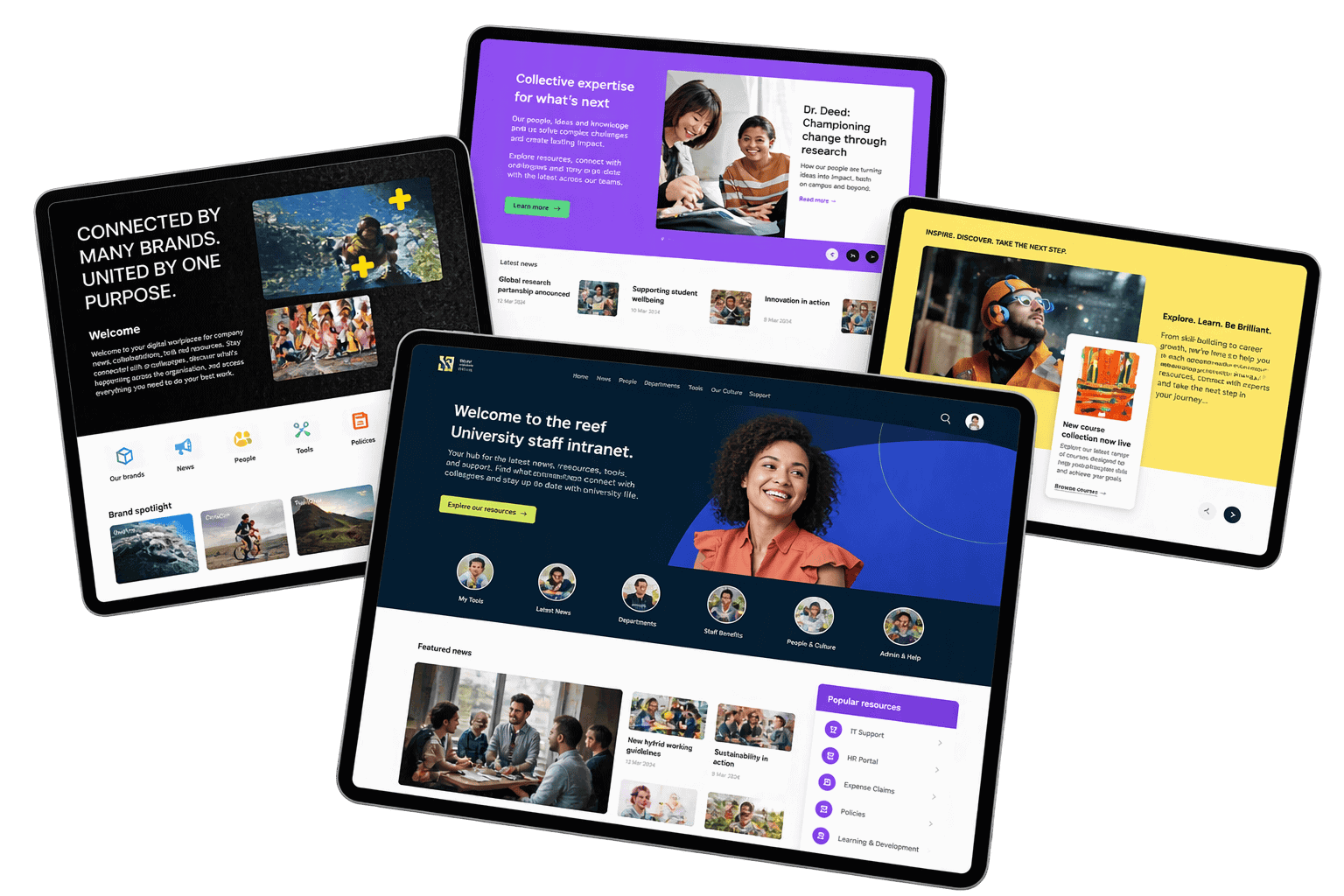
See how organisations are creating more distinctive, engaging SharePoint experiences without losing the familiarity of Microsoft 365.
Explore how Beacon brings more flexibility to SharePoint design, with richer layouts, stronger branding and more ways to shape the experience around your people and content.
SharePoint Intranets & Portals
Create a SharePoint intranet that connects employees with the news, knowledge and tools they need, built on foundations that support better search, Copilot and AI experiences.