
Overview
What We Do
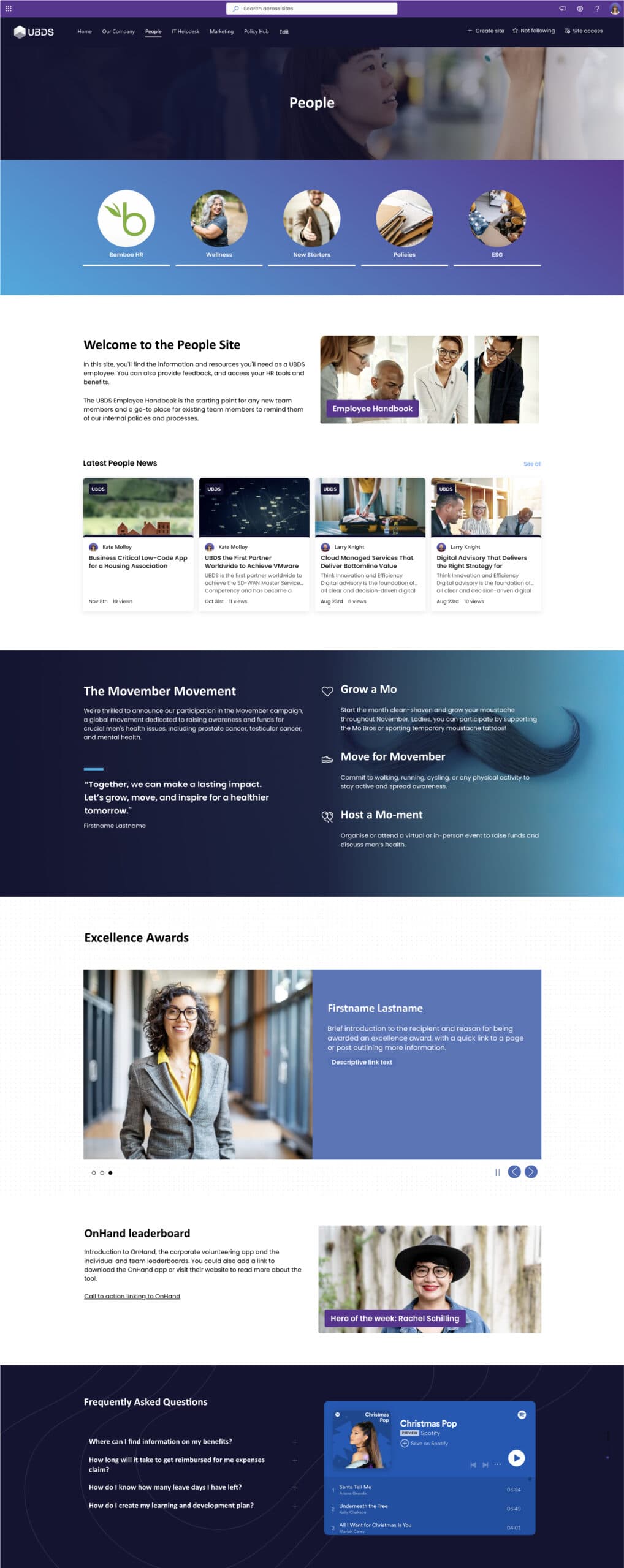
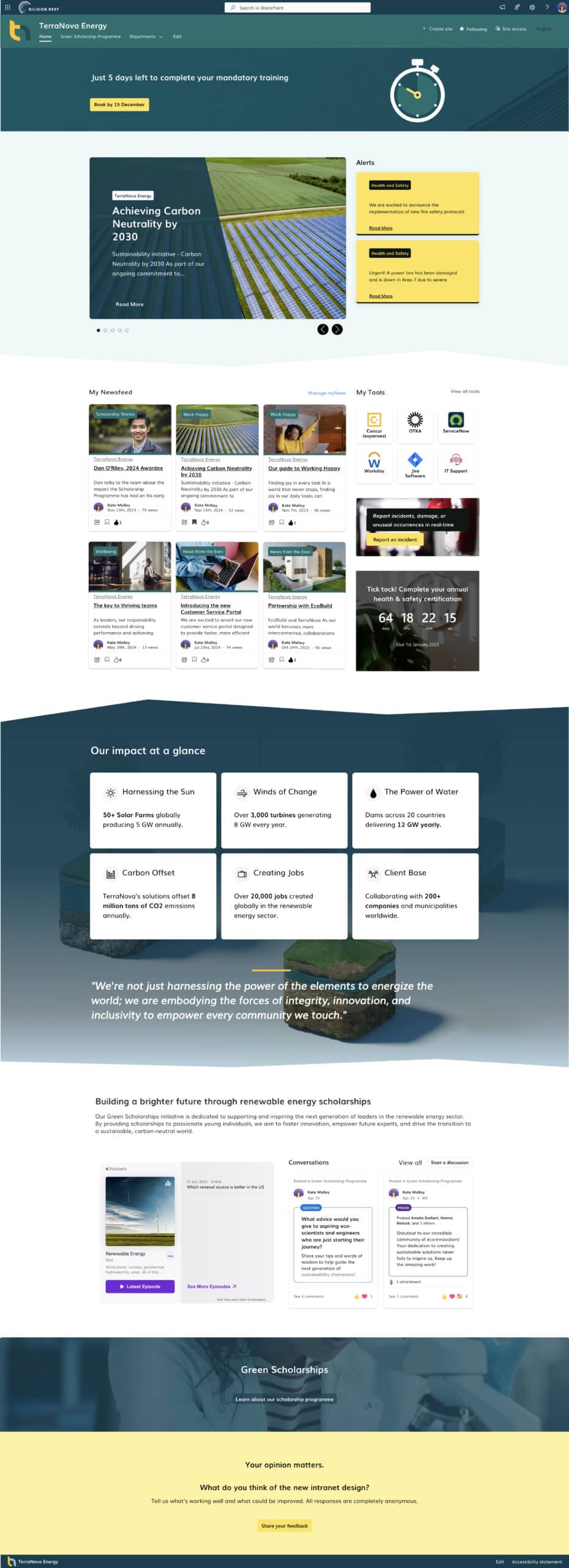
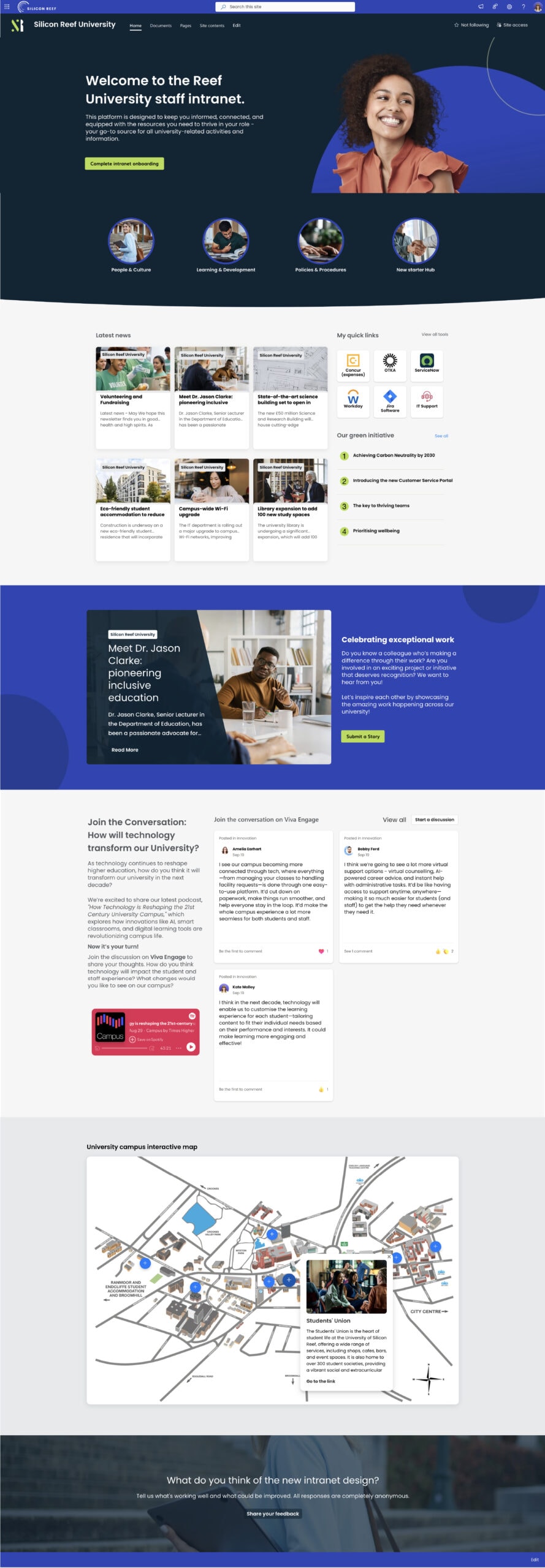
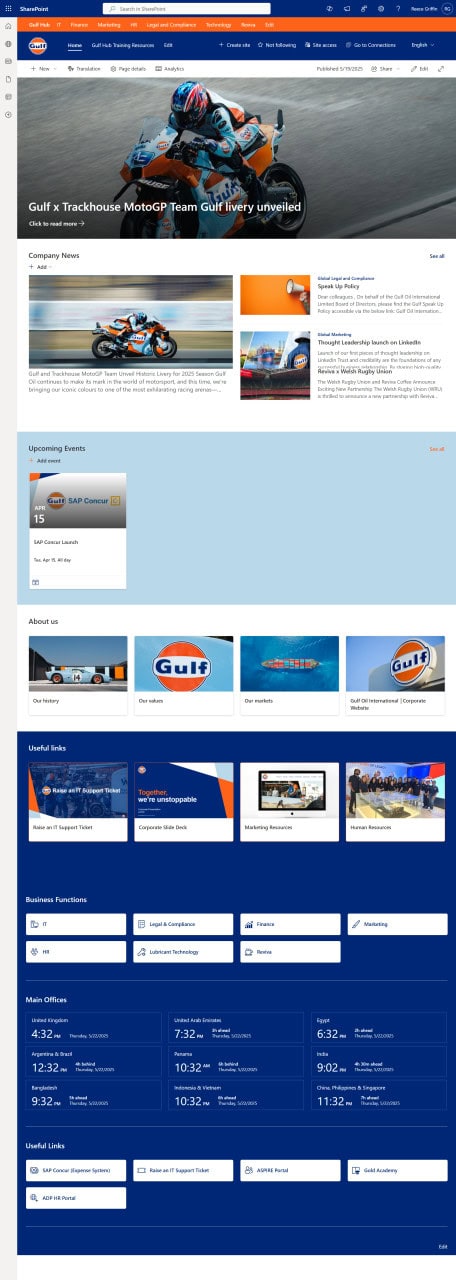
Every SharePoint design we deliver is created to solve real business challenges—whether that’s improving internal comms, simplifying navigation, or creating a digital workplace that feels familiar, modern, and aligned to your people.
Tailor to your Brand
From colour palettes and typography to iconography and tone, we make sure your SharePoint feels like an extension of your culture.
Build for Usability
Every design prioritises accessibility, responsiveness, and frictionless journeys across devices and user types.
Powered by M365
We seamlessly integrate tools like Viva Connections, Viva Engage, Copilot, and Power Automate—so your SharePoint does more than publish content; it drives value.

Leaders Trust Silicon Reef
















Design Features in Action
Our SharePoint builds go beyond design. They’re strategic digital experiences that work.
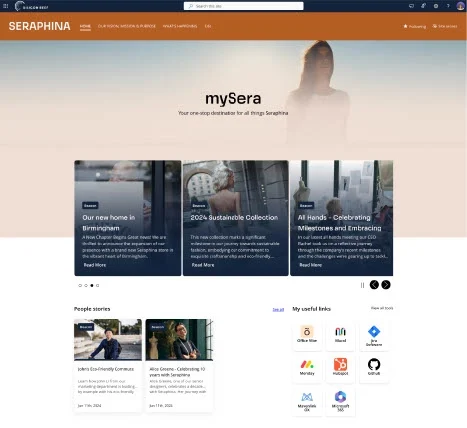
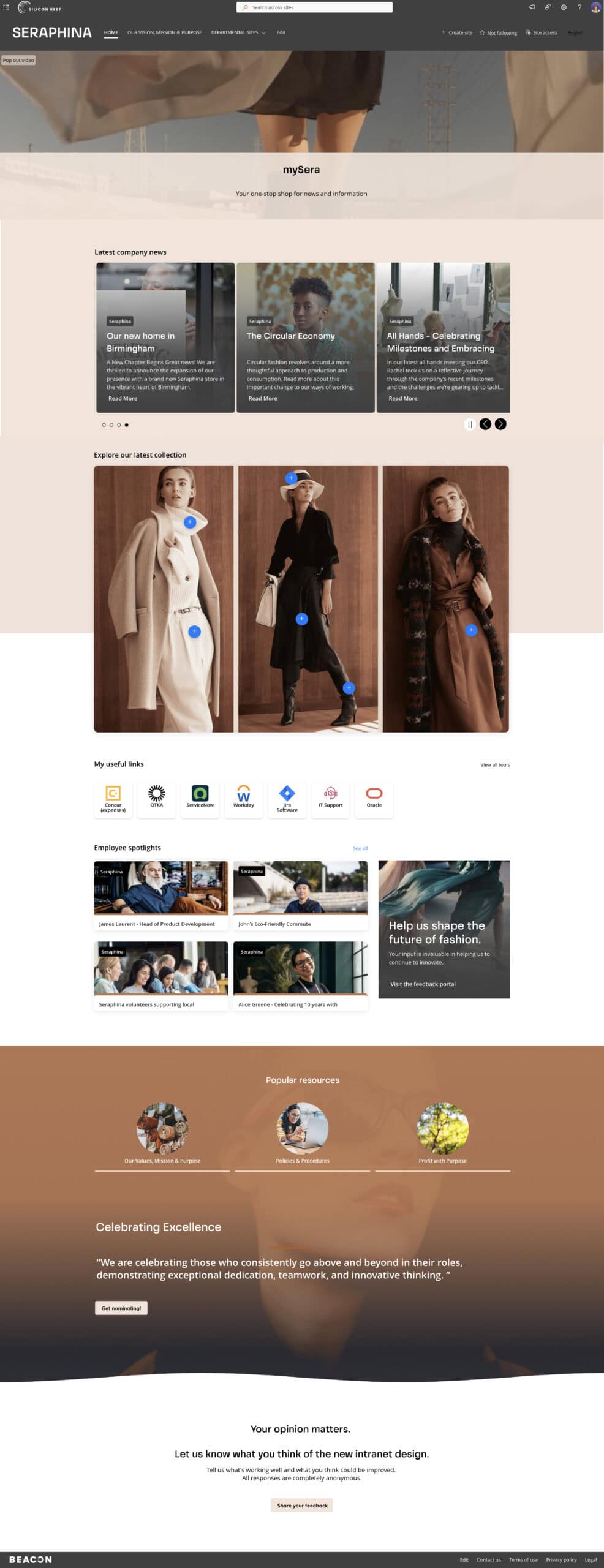
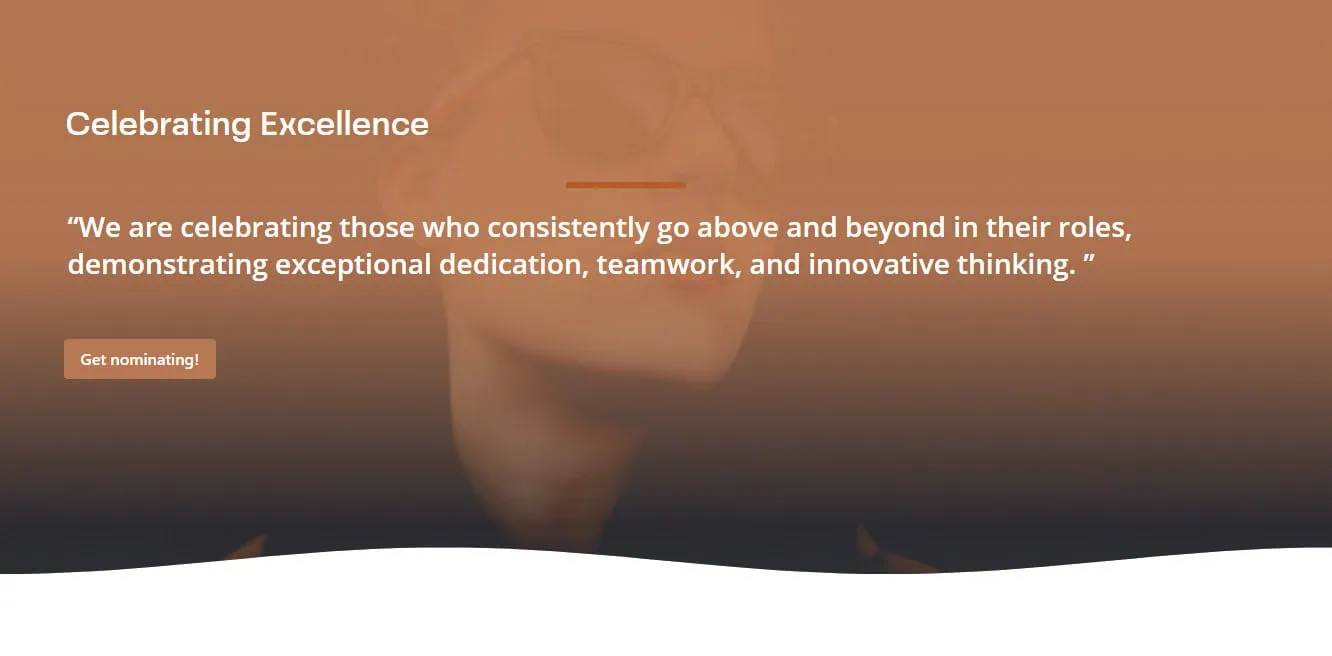
Homepage & Hub Site Design
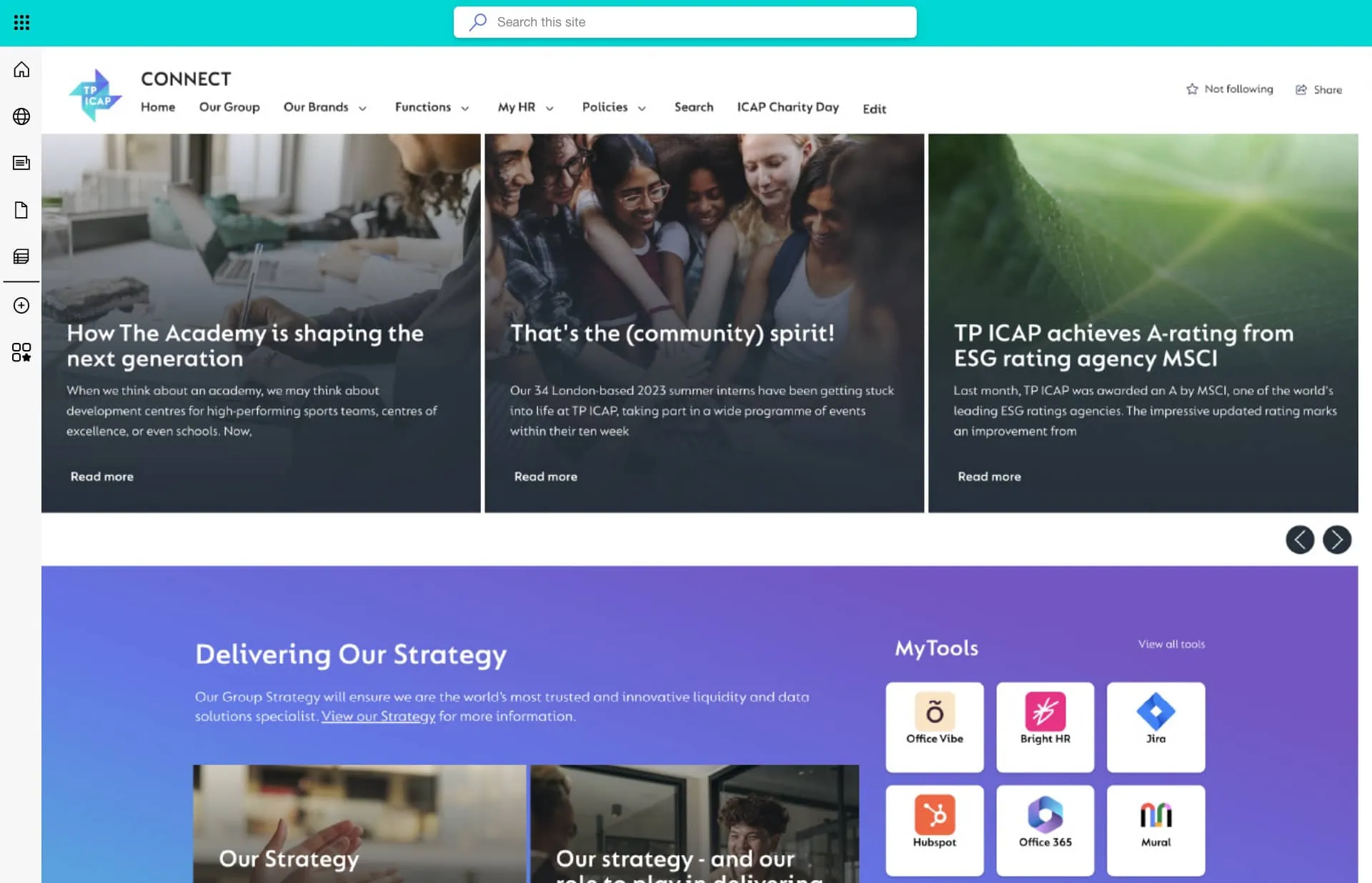
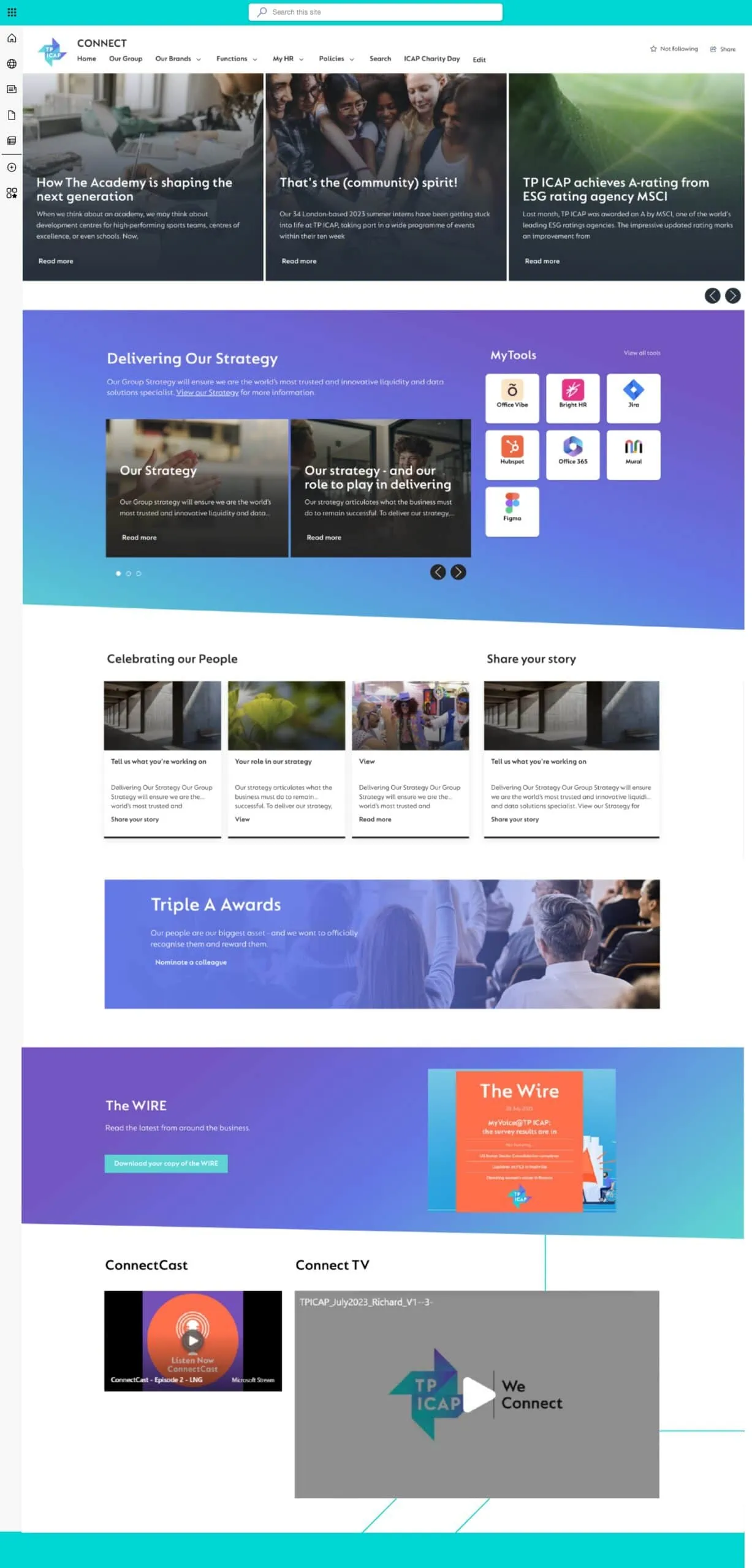
Branded, user-personalised layouts featuring news, quick links, app panels, and embedded productivity tools.
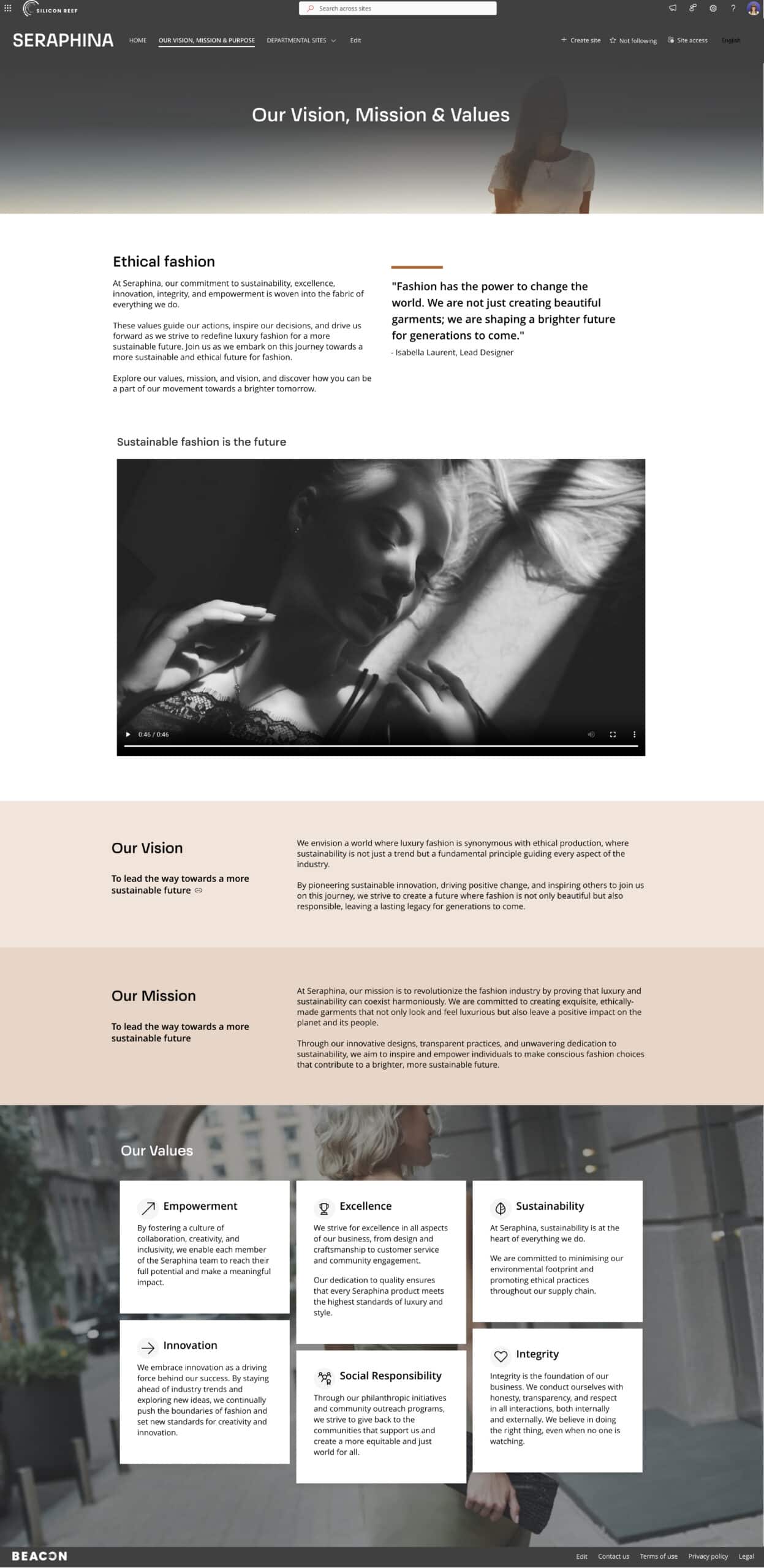
Template & Theme Creation
Pre-built department templates with governance-led structure, designed for consistency and easy adoption.
Feature Integration
Our builds include native Microsoft 365 integrations, plus other third-party platforms your organisation uses


Behind The Scenes
We Design SharePoint That Works
Our design process puts your people at the centre. All the way from discovery to deployment.
We conduct:
- Stakeholder interviews
- Homepage and department-specific workshops
- Iterative design sprints and feedback loops
- Functional intranet site design
We also provide homepage concepts, core content pages and governance-aligned templates for scale.
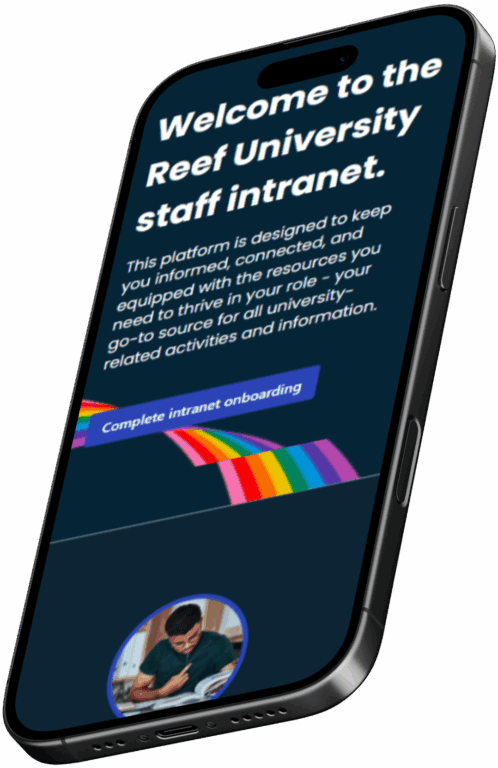
Demo & Concept Environments
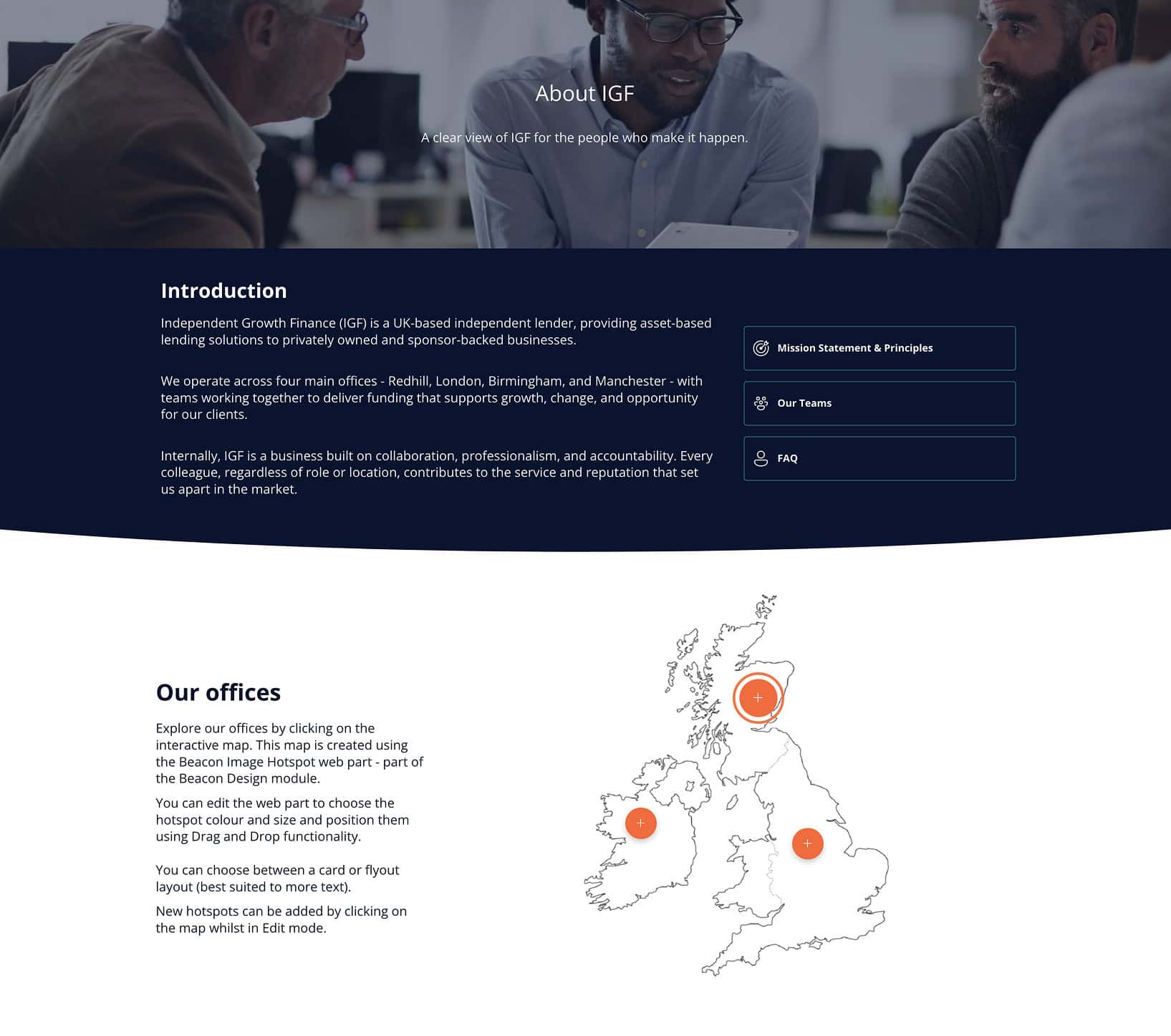
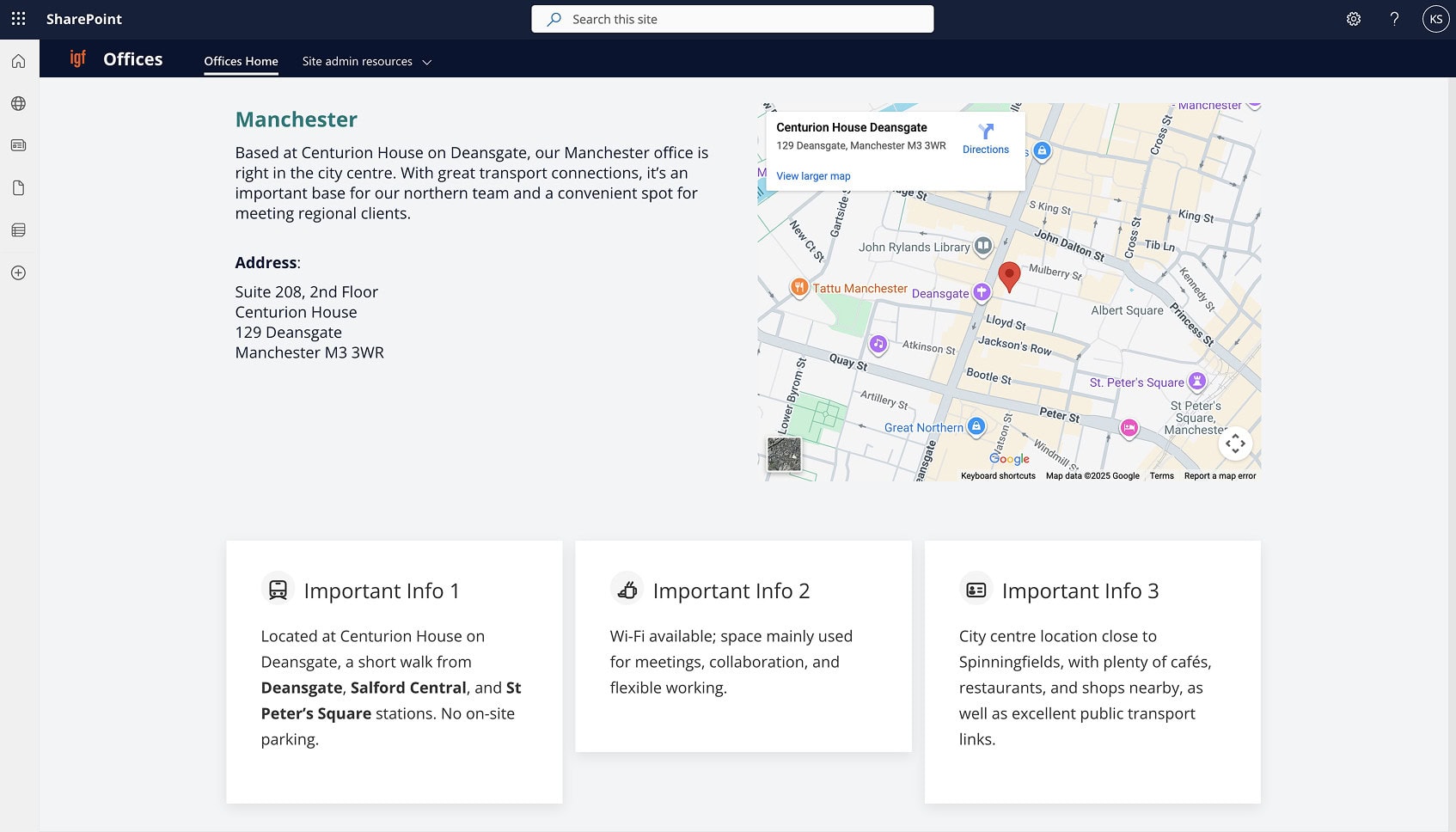
We often build demo environments and concept designs to help clients visualise what’s possible, highlighting the difference between default SharePoint and the enhanced experience powered by our design approach and tools like Beacon.
Client Stories

7 Day Intranet Transformation
A brand-aligned design refresh for financial services firm TP ICAP.

Empowering Higher Education Comms
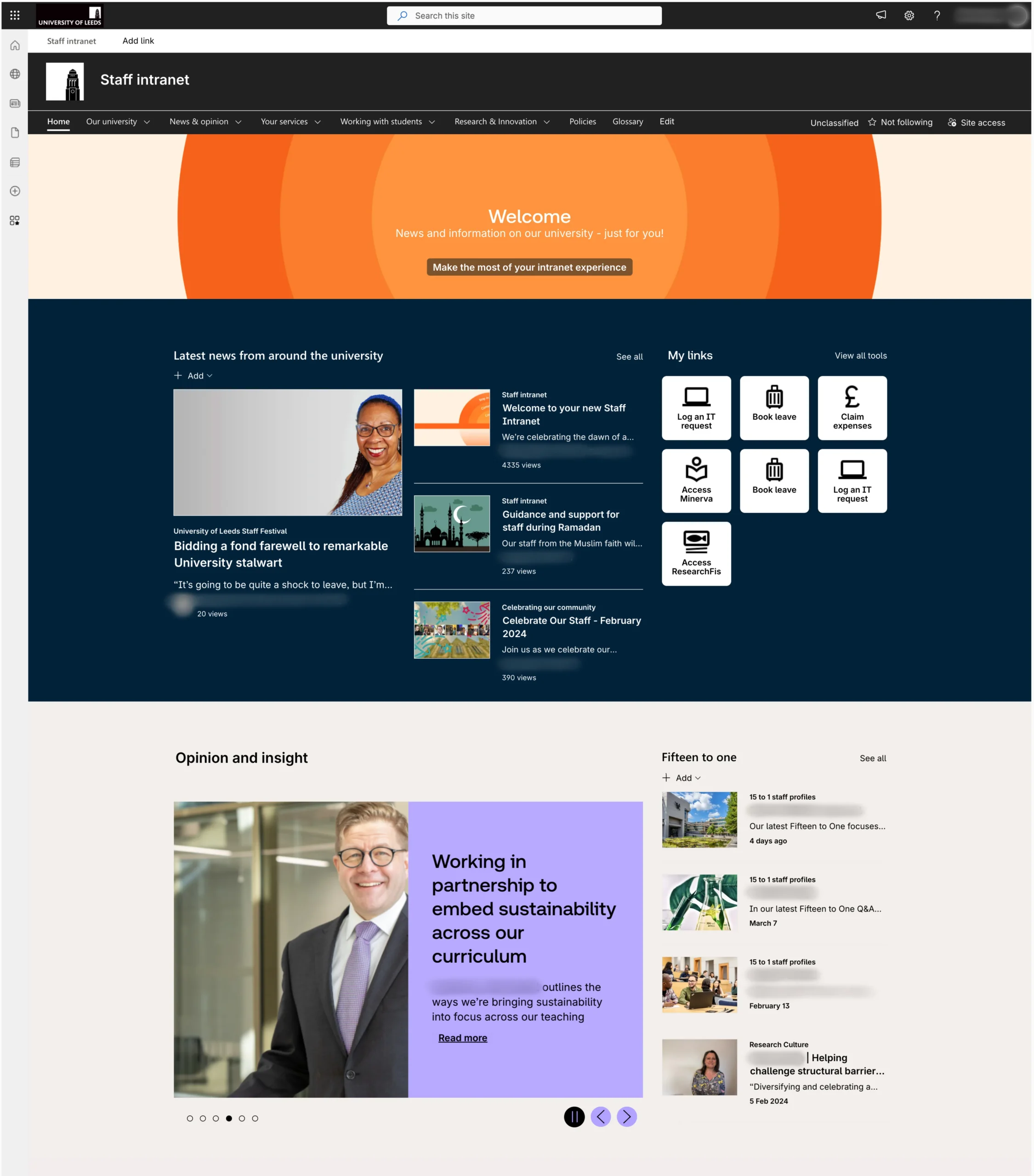
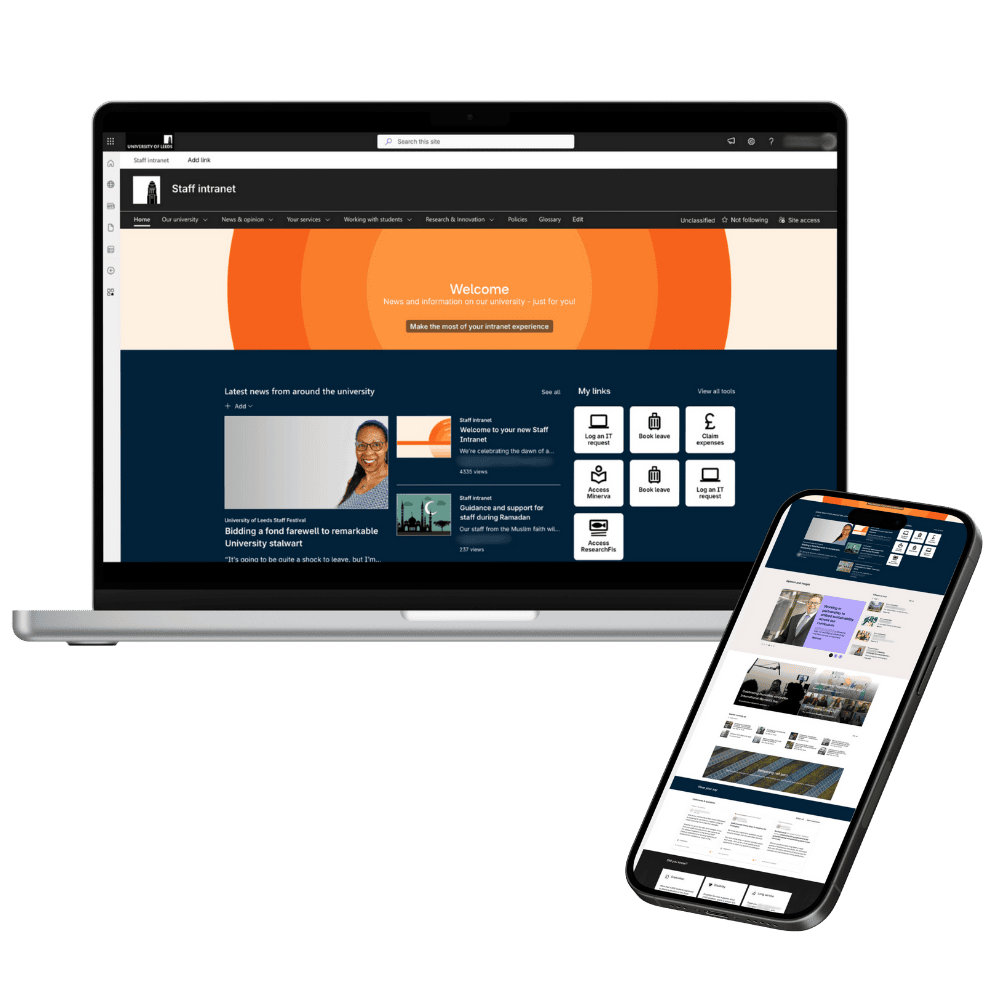
A new branded intranet with custom page templates for the University of Leeds.
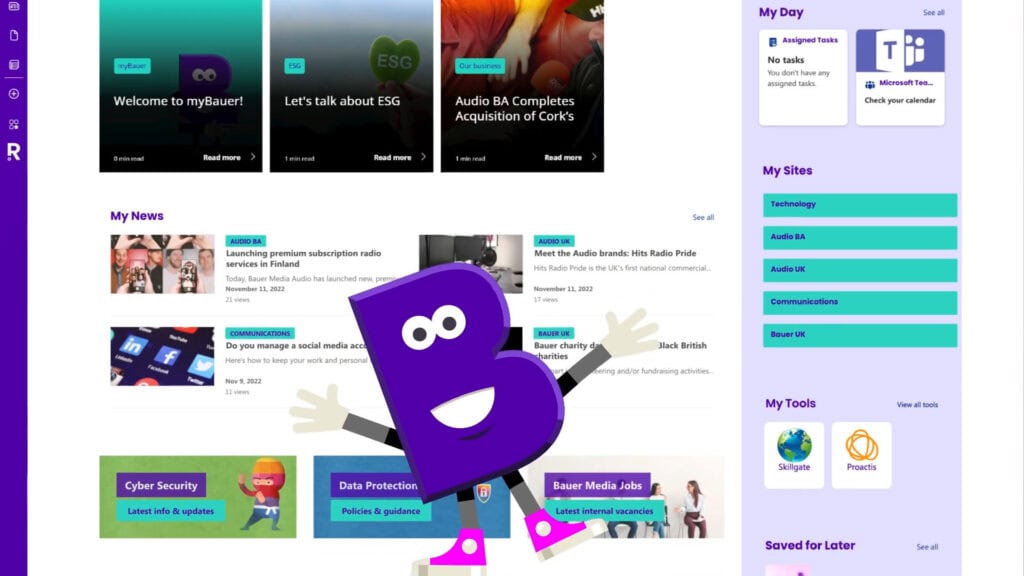
Bauer Media Group set out to create a personalised intranet experience that truly works for every employee.
In this 60 second overview, see how we brought that vision to life using SharePoint and Beacon.
Video created by our friends at The Surgery
Let’s Build A SharePoint That Works
Whether you’re starting from scratch or refreshing your intranet, we’ll help you bring your SharePoint vision to life. Book a free consultation to explore your options.
FAQs
Got questions? We’ve answered some of the common ones here. If you can’t find what you’re looking for, drop us a note.
What are some of the best SharePoint intranet design examples?
Some of the best SharePoint intranet designs combine accessibility, personalisation, and strong brand identity to create experiences that employees genuinely want to use.
At Silicon Reef, some of our favourite SharePoint intranet design examples are those that bring people, brand, and purpose together — creating spaces employees genuinely enjoy using.
- University of Leeds – an on-brand, engaging intranet that makes information easy to find and collaboration effortless for staff across campus.
- Met Office – an award-winning intranet that put accessibility and inclusivity front and centre, proving great design can be both beautiful and barrier-free.
- Bauer Media Group – a highly personalised intranet that tailors content and experiences for employees across multiple brands and regions. Watch the video to see how it works.
Each example reflects our belief that great SharePoint design isn’t just about how it looks — it’s about how it helps people work, share, and feel connected.
How do these SharePoint design examples show what’s possible?
Can our organisation use these designs as inspiration for our own intranet?
How do these examples balance creativity with usability?
What makes a SharePoint intranet design successful?
Send us a message
We help organisations of all shapes and sizes elevate their digital employee experience with Microsoft 365 — from intranets and document management to workflow automation and AI. Tell us about your goals, and we’ll help you get there.