Work shouldn’t begin with searching.
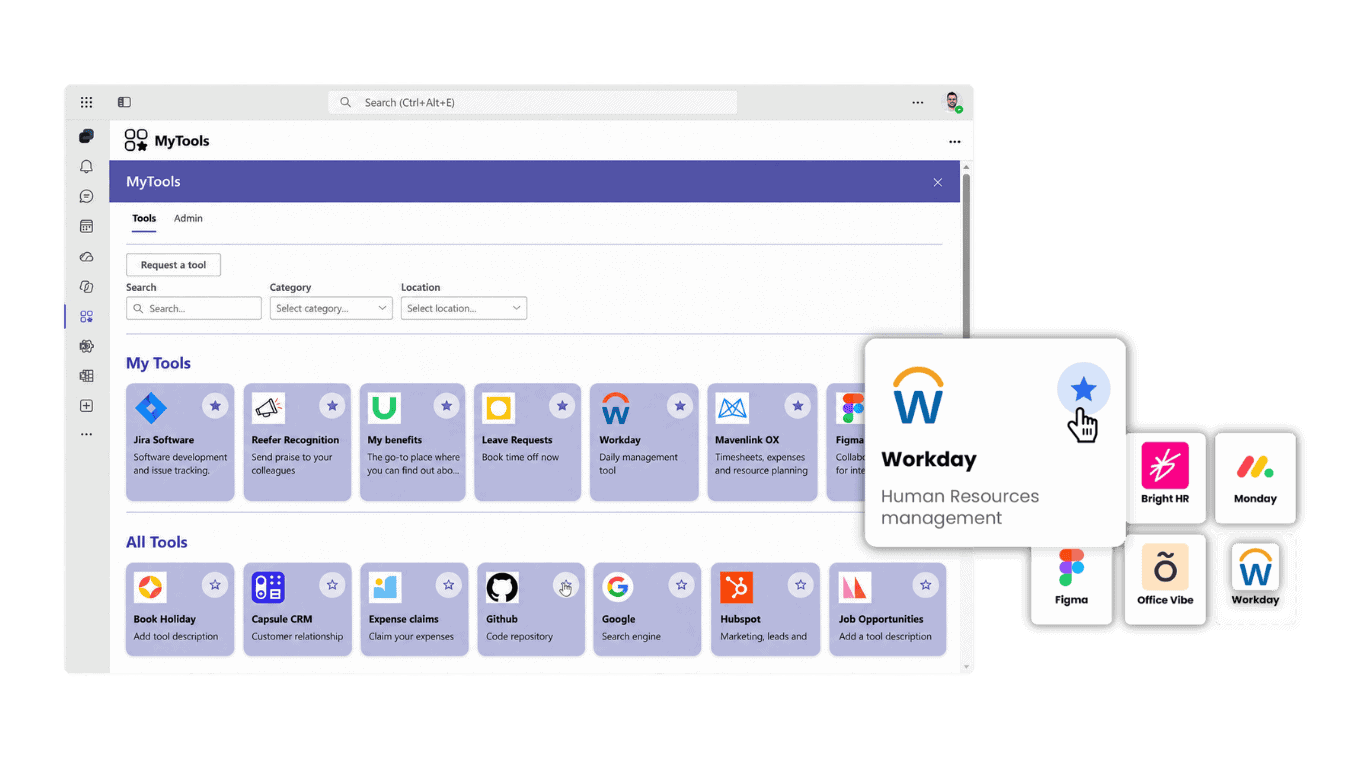
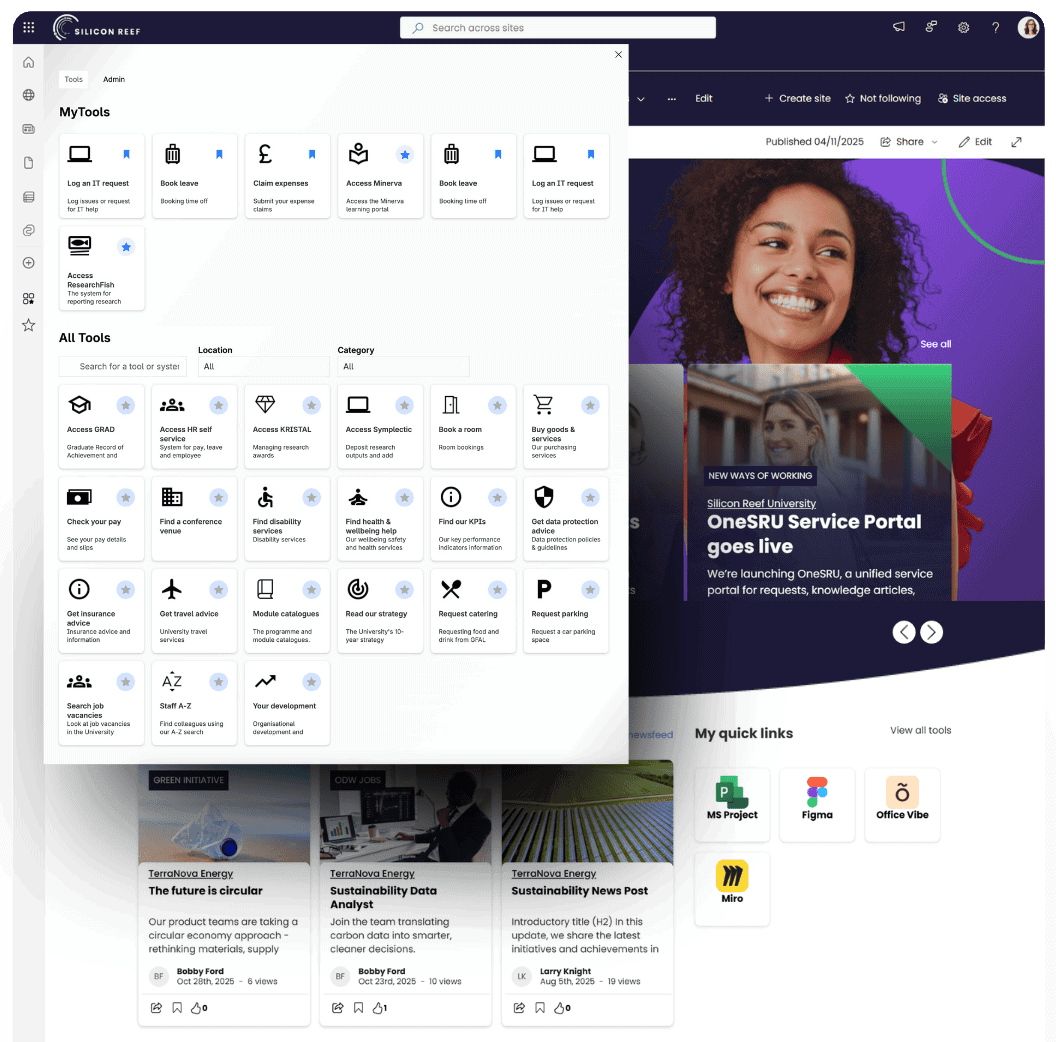
Links gives employees one familiar place to find approved apps, services and resources, without needing to remember where something lives, what it’s called or where someone shared the link.
Less time hunting. A simpler place to start.
Central governance
Personal for employees.
Governed by your organisation.
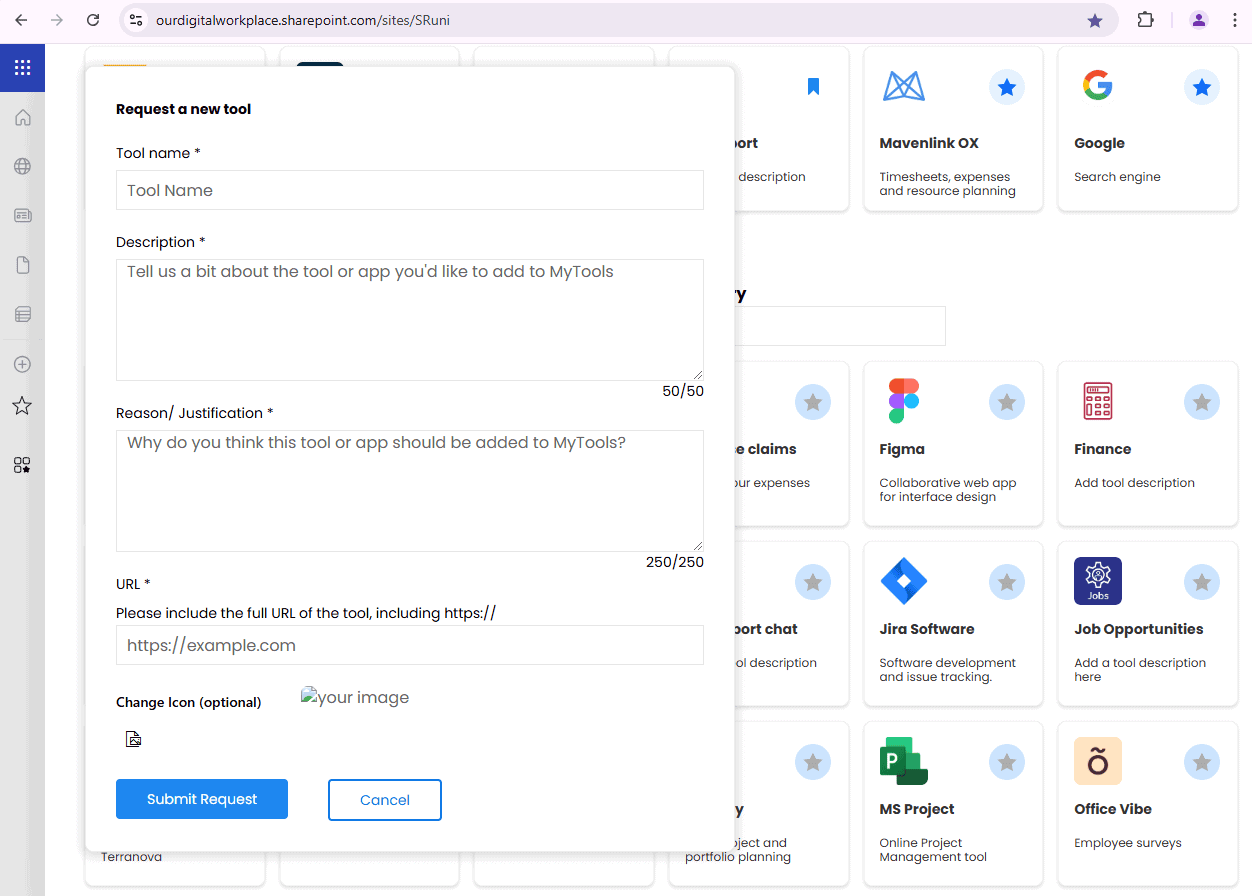
Personalisation shouldn’t mean losing control. Links gives employees an experience that reflects what they need, while your organisation manages the apps, resources and services available to them.
Employee choice, without losing organisational oversight.
Approve & organise
Create a managed catalogue of approved apps, resources and services, giving employees a trusted place to start.
Reach the right people
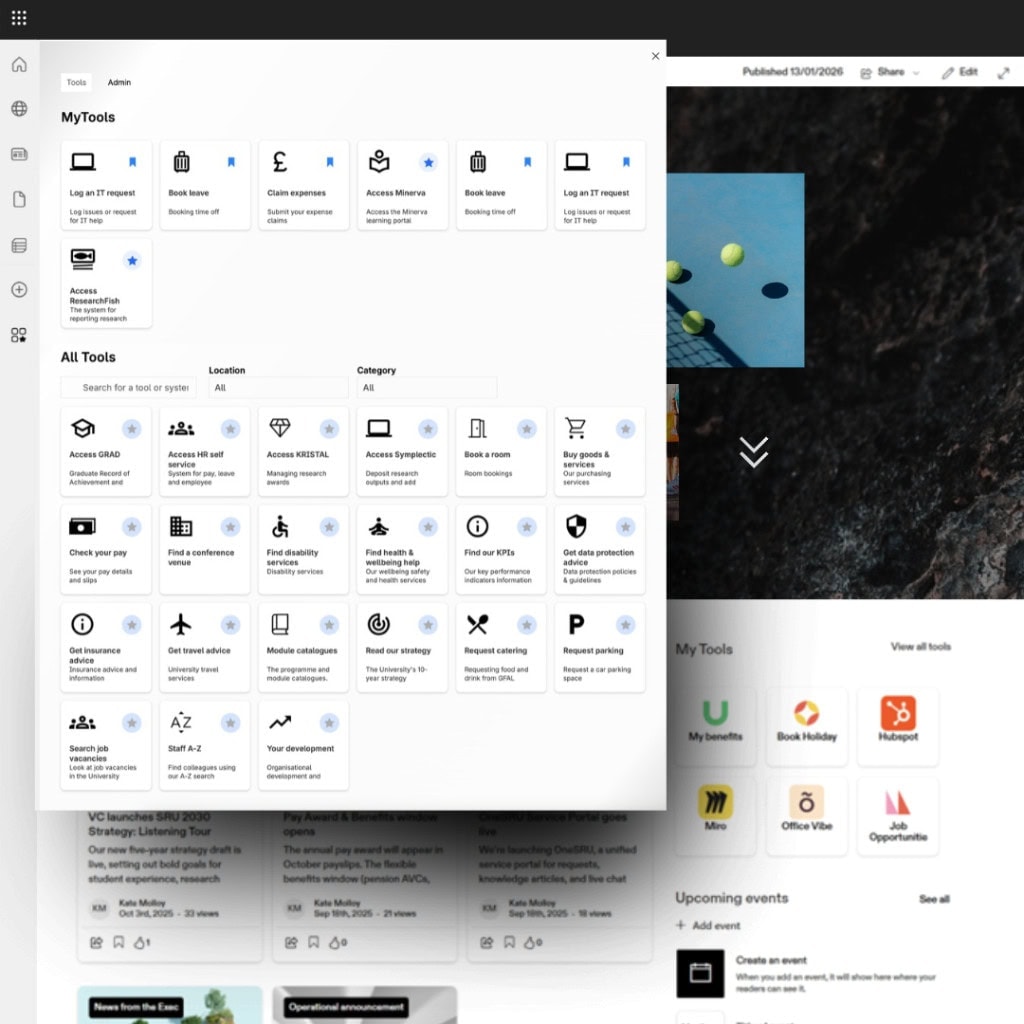
Surface relevant tools to the audiences that need them, helping people focus on what’s useful to their role.
Keep essentials visible
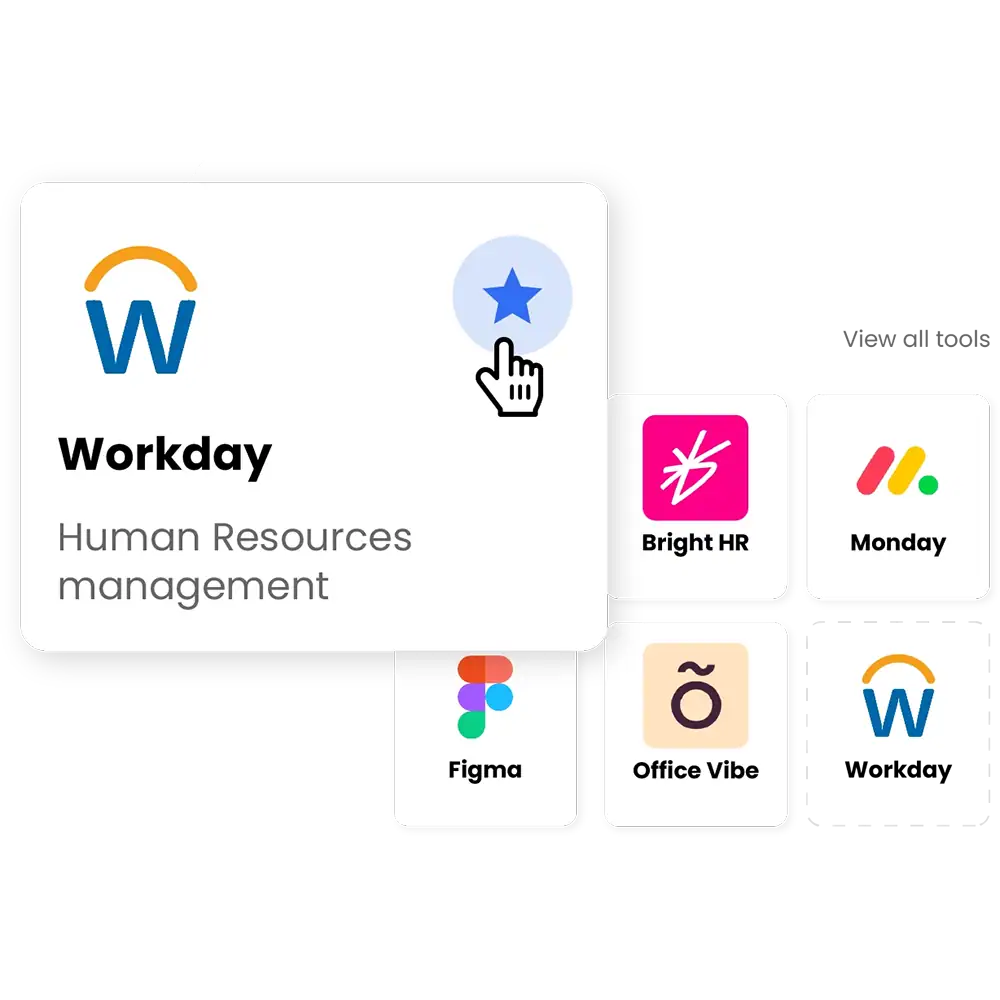
Pin important tools and services when employees need reliable access, while still giving people room to personalise their experience.
Keep everything current
Update resources centrally as systems, services and organisational needs change.
Wherever work happens
One experience across Microsoft 365.
Links fits into the Microsoft 365 experience your employees already know, giving people a consistent way to find the tools and services available to them. Whether they’re starting from the intranet or working in Teams, the route to the tools they need stays familiar.

The right tools.
For the right people.
Different teams rely on different systems, services and resources. Links creates one consistent experience while keeping what’s available relevant to the people using it.
HR
Make employee services easier to find.
Bring HR systems, benefits, learning, wellbeing, policies and people services into one familiar place.
Employees get an easier route to the resources they need, while essential services can stay visible when everyone needs them.

Internal Comms
Give important tools somewhere people will find them.
Make your intranet a more useful starting point by bringing everyday tools and priority resources alongside the communications employees already use.
Help people move from reading about something to actually finding the service, platform or resource they need.
Operations
Keep everyday tools within reach.
Give operational teams quick access to the systems, forms and resources they move between throughout the day.
Links keeps frequently used tools easier to find while allowing different audiences to see what’s relevant to the way they work.
IT
Reduce shadow IT. Promote approved tools.
Make existing technology easier to discover before employees go looking elsewhere.
Links gives employees a clearer view of approved applications and services while giving IT a central way to organise and maintain what’s available.
And it doesn’t stop there.
Links can support different roles, teams, locations and ways of working across your organisation, all through the same managed experience.
Built around Microsoft 365
Go beyond publishing links.
Microsoft 365 provides useful native ways to surface resources. Links adds a purpose-built layer around discovery, personalisation and organisational governance.
Microsoft 365 Foundation
Surface and navigate
Publish useful resources
Give people clear navigation
Work within Microsoft 365
+
with Links
Discover. Personalise. Govern.
Managed catalogue of approved tools
Employee-focused discovery
Relevant experiences for different audiences
Organisational priorities alongside personal choice
Simple by design
Finding what you need shouldn’t take work.
Links keeps the experience simple, whether an employee knows exactly what they’re looking for or is discovering what’s available.

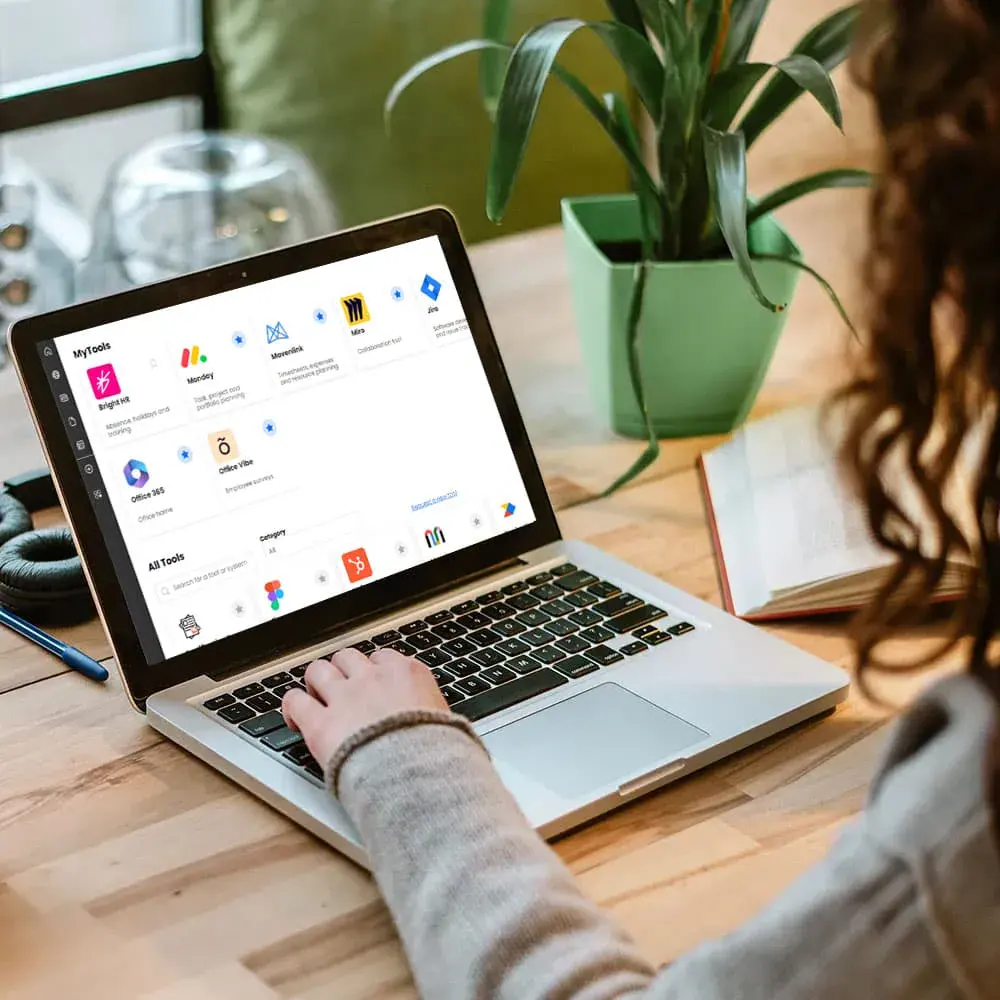
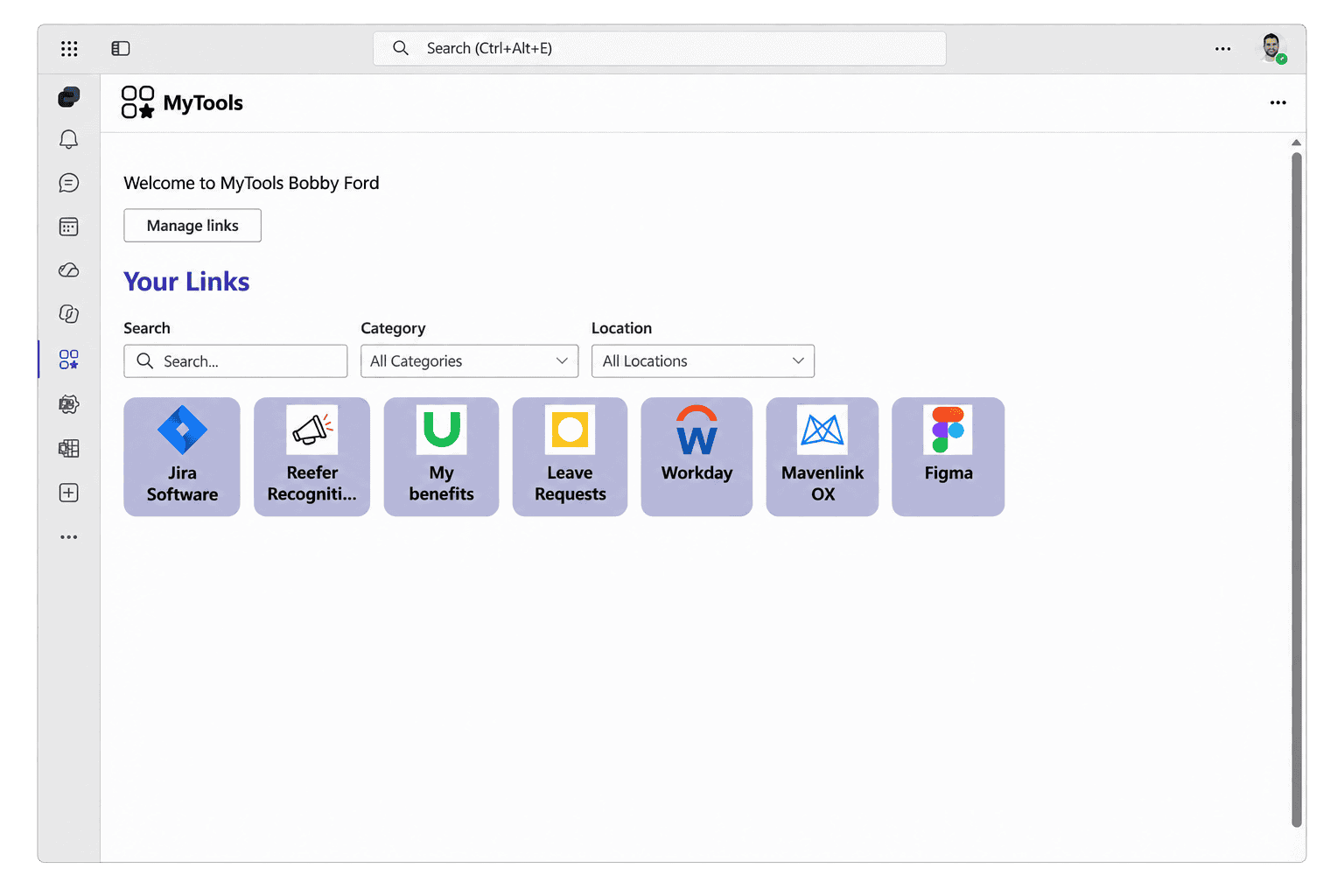
Less searching. More value.
Get more from the tools you already have.
Organisations invest in technology, systems and employee services. Their value depends on employees being able to find and use them.
Links makes what’s available clearer, simpler to access and easier to manage.
Save Time
9 hours
spent by employees every week looking for the things they need
Save Money
$247
wasted per employee every year on unused and duplicate tools
✔ Save Time
✔ Reduce shadow IT
✔ Improve tool discovery
✔ Reduce admin
Customer proof
Simple enough to become part of everyday work.
“Easy to add, edit and remove apps from Links.”
– Jason James, SharePoint Specialist, Bauer Media Group
See how Links could work for your organisations.
Every organisation has a different mix of tools, platforms and employee needs.
We’ll show you how Links can bring those together in a simpler employee experience, while giving your teams greater control over what’s available and how it’s managed.
More from Beacon
Extend your Microsoft 365 experience with Beacon
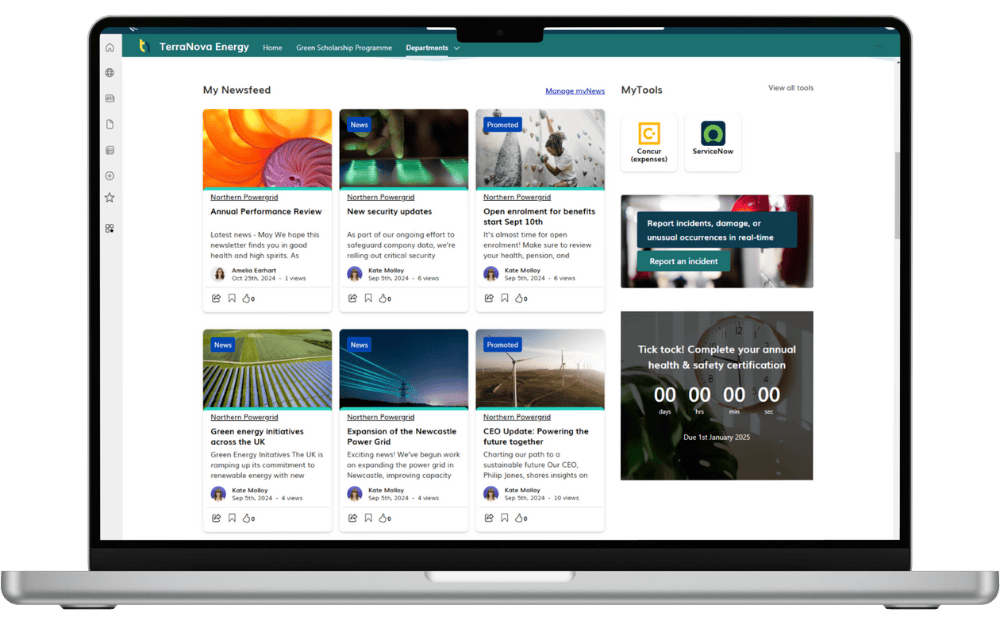
News Management
Make important news easier to manage and more relevant to employees.
Give content owners greater control over how news is created, organised and surfaced, helping the right updates reach the right people.
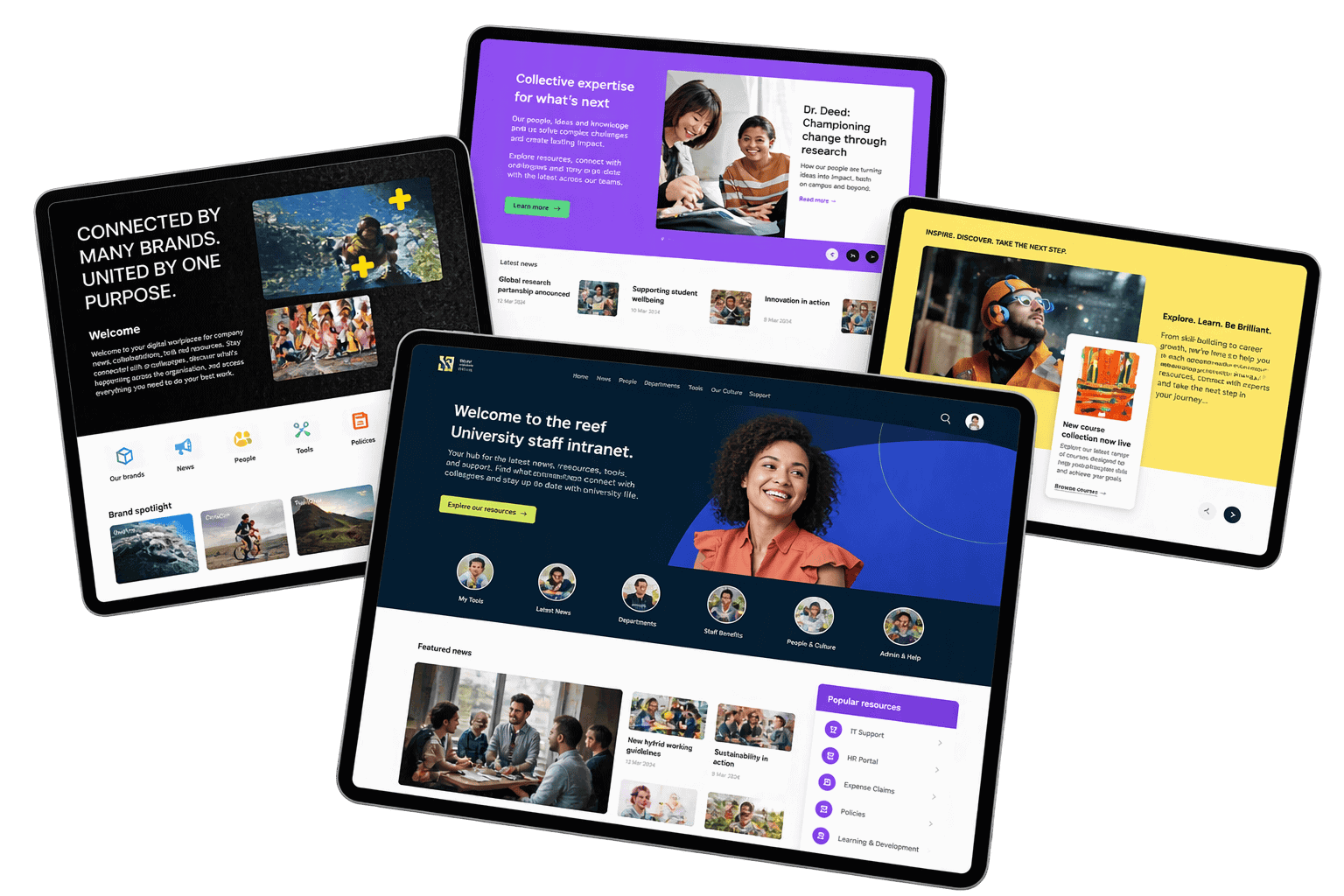
Beacon Design
Make SharePoint feel unmistakably yours.
Create a more distinctive, consistent intranet experience with enhanced branding and design options that build on Microsoft 365 while reflecting your organisation.
Send us a message