Evidence-Based Baseline
Understand what exists across SharePoint and how your environment is being used.
Technical Risk Visibility
Copilot Readiness
Prioritised Next Steps
Understand Your SharePoint Environment Before Deciding What Comes Next
A SharePoint Audit gives IT teams a structured view of the current environment and the evidence needed to plan improvements.
The audit can be shaped around the areas you need to understand, including →
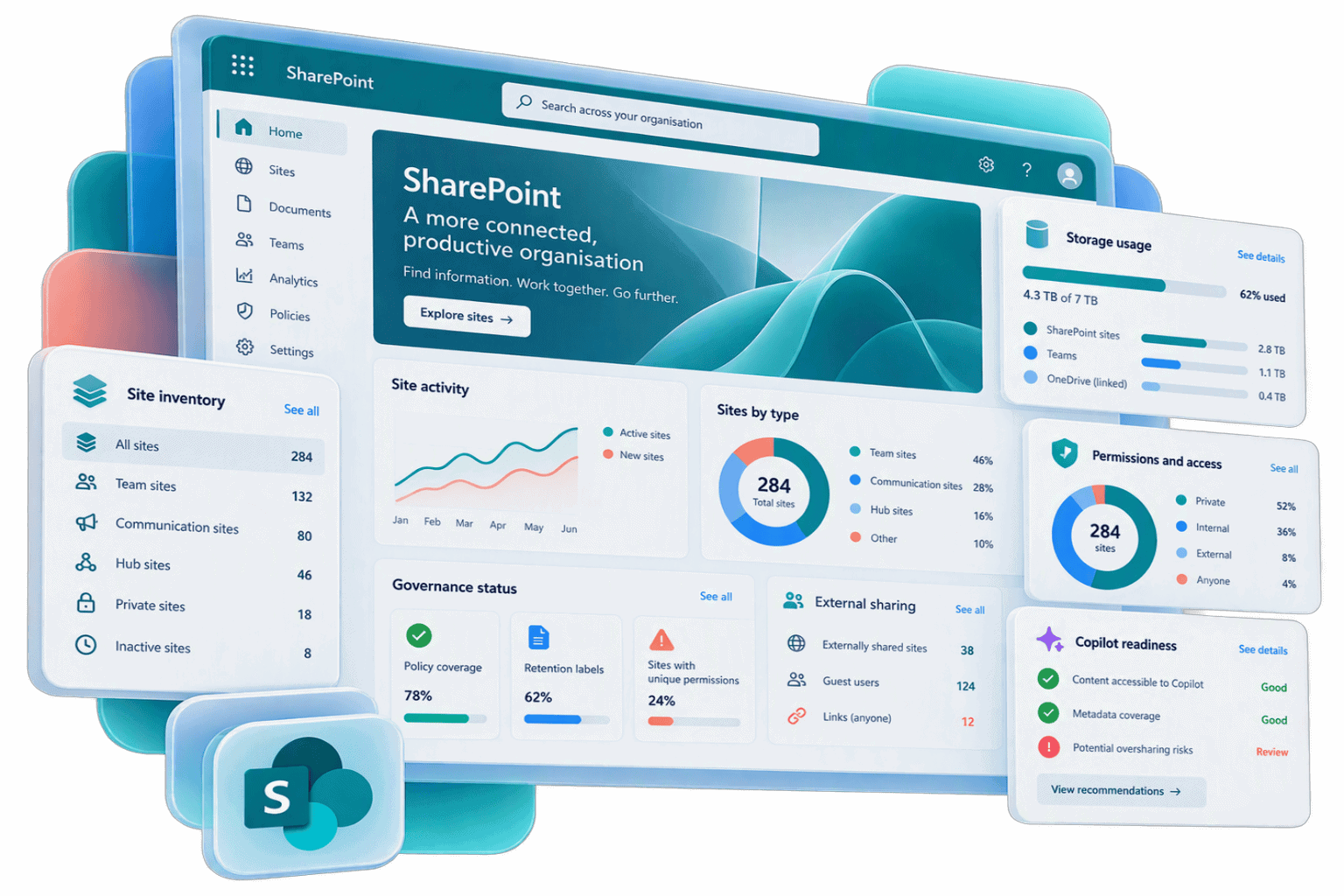
What’s Included in a SharePoint Audit?
The exact scope is agreed around your environment and priorities. A SharePoint Audit can cover the following areas:
SharePoint Estate & Architecture
- A baseline of agreed SharePoint sites, hubs, libraries and related structures
- Review of topology, site organisation and areas of uncontrolled growth
- High-level assessment of information architecture, navigation and search where included in scope
Content, Storage & Lifecycle
- Analysis of lists, files, storage consumption and available activity signals
- Identification of outdated, redundant or inactive information for further review
- Visibility of content and ownership patterns that may require stronger lifecycle controls
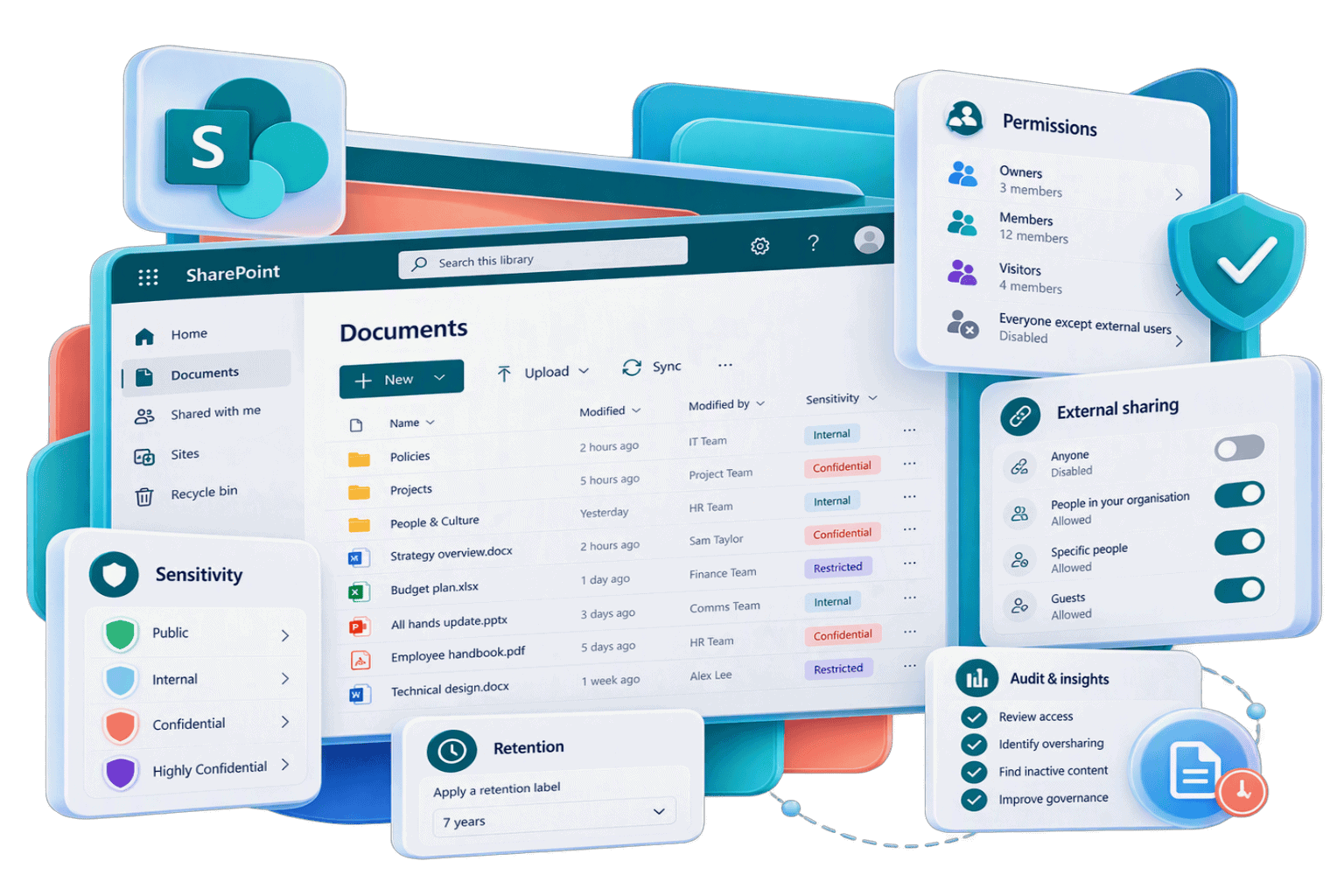
Permissions, Sharing & Access
- Review of access patterns across sites, libraries and content
- Identification of oversharing, unique permission sprawl and broken inheritance
- Assessment of external and guest access, sharing controls and lifecycle considerations
Governance & Information Protection
- Review of governance signals, ownership and control across the environment
- Assessment of relevant Microsoft Purview controls where included in scope
- Consideration of sensitivity labels, Data Loss Prevention and retention requirements
Search, Findability & Knowledge
- Review of how SharePoint structure supports access to important information
- Analysis of available search and usage data where included in scope
- Identification of areas where high-value content is difficult to find, inconsistently organised or poorly labelled
Copilot & Agent Readiness
- High-level assessment of SharePoint structure, permissions and content-quality signals relevant to Copilot
- Identification of oversharing and governance issues that could affect AI-generated answers
- Recommendations for deeper assessment or remediation before wider rollout
Findings & Roadmap
- Consolidated findings supported by audit evidence
- Practical recommendations and quick wins
- Prioritised next steps, dependencies and areas requiring deeper discovery
What You Get
Audit Report
Environment Baseline
Risk & Governance View
Prioritised Roadmap
Findings Playback
How the SharePoint Audit Works
1. Scope
Agree which parts of your SharePoint environment to assess, which questions the audit needs to answer and the data required
2. Collect
Gather the agreed site and configuration data securely, working with your IT team to manage access and collection
3. Analyse
Review the audit outputs to identify patterns, risks, inefficiencies and areas that need deeper investigation
4. Recommend
Turn the evidence into practical recommendations and a prioritised roadmap
5. Review
Walk through the findings with IT and other relevant stakeholders, answer questions and agree what’s next
Secure & In Your Control
We work with your IT team to gather the agreed information securely, without changing sites, content or configuration. Access and collection are managed around your organisation’s requirements, and no standing tenant access is required.
Why Run a SharePoint Audit?
See Your Environment Clearly
Identify Risk Earlier
Prioritise Investment
Plan Change with Confidence
Prepare for Copilot
Give IT a Practical Roadmap
Who’s It For?
SharePoint Audits are designed for organisations that need a clearer technical understanding of their environment before deciding what to change, fix or invest in next.
It’s particularly useful for →
- IT and Microsoft 365 teams who have inherited a SharePoint estate without a reliable view of its structure, usage or governance
- SharePoint administrators dealing with site sprawl, complex permissions, external sharing or inconsistent controls
- Organisations preparing for Copilot that want to understand potential information and access risks
- IT teams planning a migration, consolidation, redesign or document-management programme
- Organisations reviewing knowledge management, search or findability across SharePoint
- IT leaders who need evidence and prioritised recommendations to support investment decisions
Get a Clearer View of Your SharePoint Environment
If you need to understand what exists across SharePoint, where the risks are and what to address first, a SharePoint Audit gives your IT team a practical place to start.
Book your SharePoint Audit below.
More SharePoint Services
SharePoint Intranets & Portals
SharePoint Document Management System
Transform SharePoint into a trusted source of business knowledge, with document management solutions that improve findability, strengthen governance and support collaboration.